
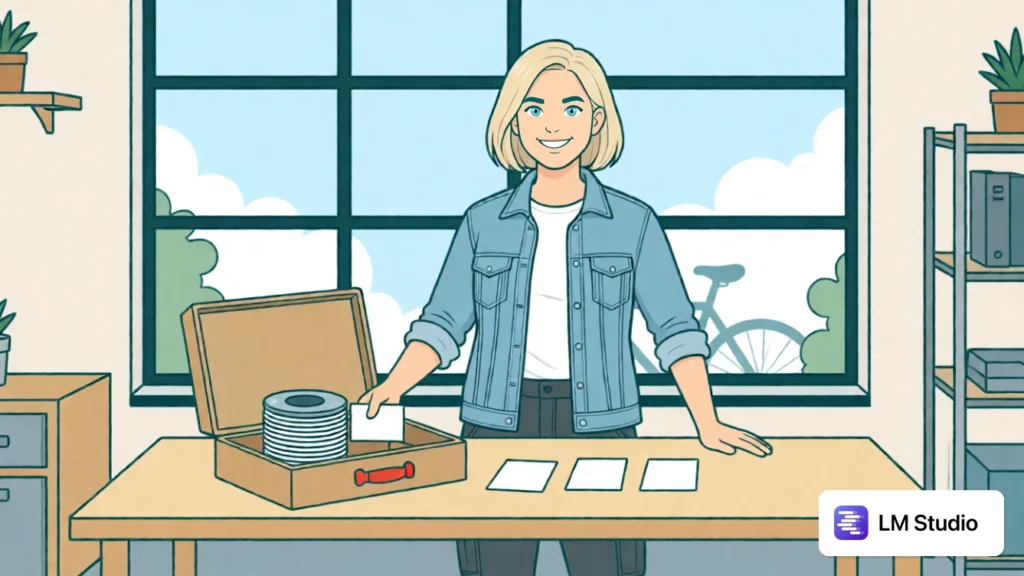
On the train, the application is installed. The model is still missing. Without a connection, the download button is no help. This unspectacular moment explains an important difference: an installed program and a prepared offline workspace are two different things.
LM Studio documents offline operation for downloaded models, document work and a local server. The required models and runtimes must be available beforehand. The separate model selection in LM Studio Bionic distinguishes between local, remote and cloud models. This Bionic information must not be attributed across the board to every mode of the application.
Preparing a small task before the journey
Choose a non-sensitive file of your own with a few known details. A course sheet can contain ten participants, a morning session and the rule for sealed material. Alongside it, write down a question whose correct location in the text you know yourself. The content is deliberately simple so that you can spot omissions and additions.
Record the model identifier, the runtime version and the application used. Download the files you actually need before the offline test. The documentation explicitly distinguishes such preparation work from the later local processing. A missing runtime says nothing about the quality of the chosen model.
Three tests answer different questions
Start with an ordinary local chat. Paste the short text directly and ask for three factual sentences without any new details. This step does not yet need any document preparation. If it works, you have checked a small basic route, not signed off a general document function.
In the second step, you use the prepared file for a specific document question: “Under what condition may sealed material be used?” Ask for the matching location or the relevant excerpt. Compare the answer with the original. A correct general summary can still leave out the important exception.
A local server forms a third route: another program sends the request to the local interface. This is an additional connection and should be treated as a separate test. A working chat in the interface does not automatically prove that a particular third-party application is configured correctly.
A small reference for the evaluation
A note template of your own makes this separation tangible:
Test: chat / document question / local server
Model and runtime: enter the version actually used
Input: name the unchanged course sheet
Expected: number, time window and approval condition preserved
Observation: fill in only after the actual run
Open: missing files or unresolved additional connections
At first, fill in only the known prerequisites. The observation belongs to the actual test. If a task fails, note the specific step. A document may, for example, fail to be processed even though the plain text query works. Lumping both together as “offline AI doesn’t work” would be inaccurate.
After a first run, you can add a deliberate contradiction to the document. The second version names a different date without confirming it as a correction. A helpful answer should preserve the ambiguity. In this way, you examine information processing and not merely the ability to produce a sentence without a network.
Offline is a property of the chosen route
Temporarily disconnect from the internet under controlled conditions and repeat only the prepared local process. Functions such as model search, downloads or updates still need a connection. Their failure while offline is something different from a connection being required for every inference.
Additional tools also deserve separate consideration. A model chosen to run locally does not yet tell you what a newly connected search or tool server does. Setting local, remote and cloud side by side helps you make such decisions explicitly.
The practical gain is not a blanket promise for every extension. It lies in a small prepared workspace whose files and tasks you can name. Anyone who tries out three clear routes before travelling will later understand much more quickly what is actually missing and which part already works locally.
Sources and status
Sources as of 25 October 2026. Offline Operation · Choose a Cloud, Local, or Remote Model.
