
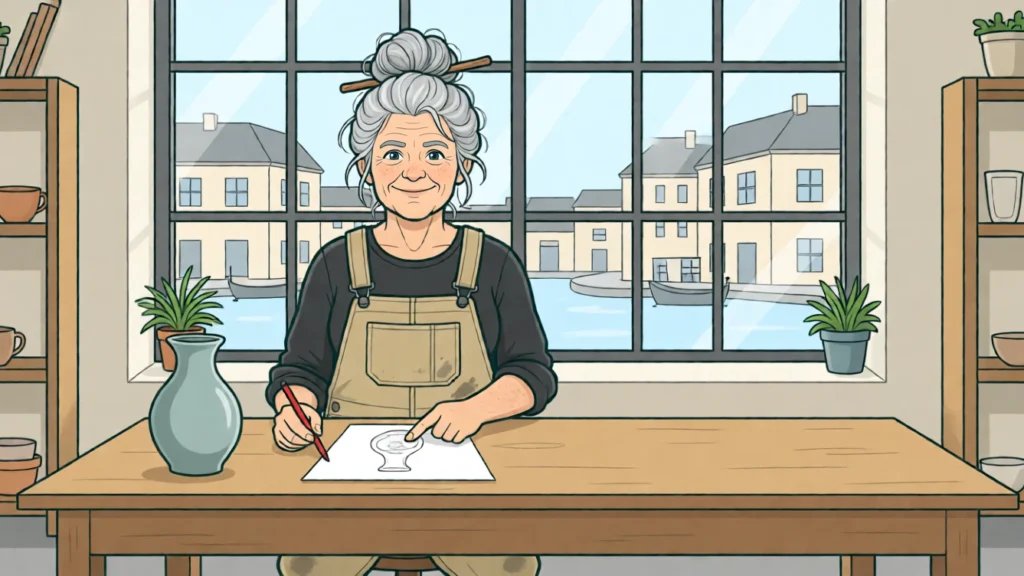
“A person at a workbench” can produce many attractive images. For a specific page, the description is still incomplete. Which action explains the article? Where is there room for the headline? Which relationship has to be visible for the motif to achieve more than friendly decoration?
Canva introduced Craft on 22 October 2026. The original announcement describes a two-stage approach, with composition planning before image rendering, and states that it is available in Canva and via a public API. Faster variants that have been announced and a forthcoming MCP integration have to be distinguished from what is available now. The technical occasion for this piece is the explicit planning of relationships before a finished image exists.
A motif is not yet a composition
Our own example accompanies an article about choosing materials. A workshop worker compares two different workpieces. Readers should recognise the comparison, not a vaguely busy figure. For that, both objects have to be visible and distinguishable by their function.
A simple sketch for the brief places the figure on the left, the two workpieces in the middle and a calm area on the right. The direction of gaze leads to the action. The headline is later set as real text outside the image motif. This is an editorial target image, not a Craft result that has already been generated.
The difference from a collection of adjectives lies in the relationships. “High-quality, modern, clear” does not yet say whether an object disappears behind the figure. “Both workpieces fully visible, figure looking between them” makes the intention of the image much easier to check.
The planning can be read as a small scene description
Before writing an image brief of your own, this template can help:
Show a workshop worker comparing two different workpieces. Both objects remain fully recognisable. The figure stands on the left and directs their attention towards the middle. On the right, a calm area remains free of additional objects. The scene explains the comparison; text and logos do not belong in the image.
The template describes content, spatial relationships and exclusions. It is not a special API format. You can use it to discuss a sketch or to make an actual image brief more precise. Whether a tool fulfils the intention is only shown by the output it actually produces.
For mobile use, the same message may need a new arrangement. The workpieces could be stacked, the figure could appear smaller beside them and the text could follow below. A narrow crop of the wide version, by contrast, could remove precisely the comparison.
A targeted change must preserve something
Suppose the workpieces are to move closer together. The instruction should also state that the figure, the direction of gaze and the calm text area are to be kept. Otherwise you may get an attractive new image that changes the original relationship.
Canva also describes the structured planning in connection with editing and editable elements. To judge it, it is therefore not enough to ask whether the first image is appealing. What is interesting is which desired change is possible and which other relationships remain stable in the process. Being able to edit is not yet a guarantee of correct results.
A comparison of your own should show the intention and the actual change side by side. Were only the objects moved? Have the proportions changed? Has new decoration been added? Without a real pair of images, such questions may be explained as a method but not answered as a passed model test.
Keep the architecture announcement and the design judgement apart
The announcement explains a vendor’s approach. It provides no independent evidence that every task is solved better or faster with it. Rankings and internal quality claims would also require a different basis of evidence from our workshop brief.
For practical work, the insight is nonetheless immediately useful. Before generating, describe which action and which spatial relationship carry the content. Then decide what a change should preserve. These two questions make the brief easier to understand, regardless of the tool used. Careful composition thus begins earlier than the finished pixels.
Sources and status
Research and documentation as of 25 October 2026. Introducing Canva Craft · Canva Newsroom: dated Craft announcement.
